Web Login
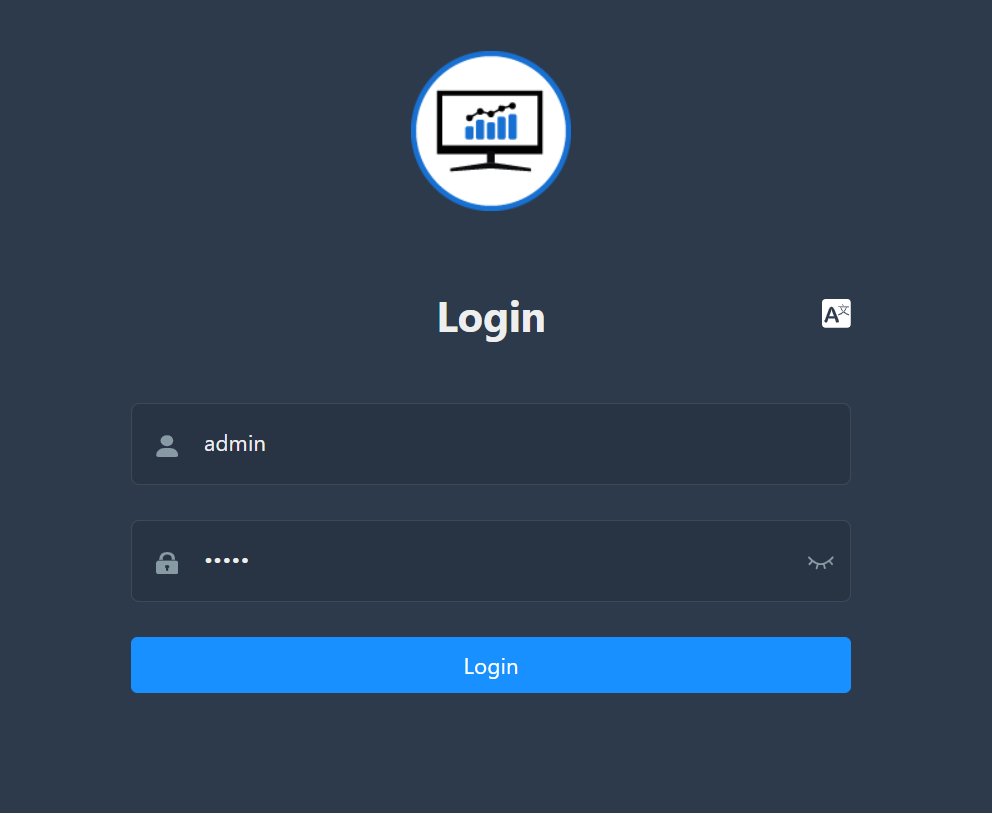
If the IP address is known, the user interface can be accessed directly via the HTTP/HTTPS request in the web browser. To do this, open the web browser and enter the IP address in the command line:
e.g. http://192.168.10.10/
For the first login, please enter the following credentials:
- Username:
admin - Password:
admin
Click on “Login” to start the session.
⚠️
The password should be changed in the user profile settings after the first login.
Please see: Change password
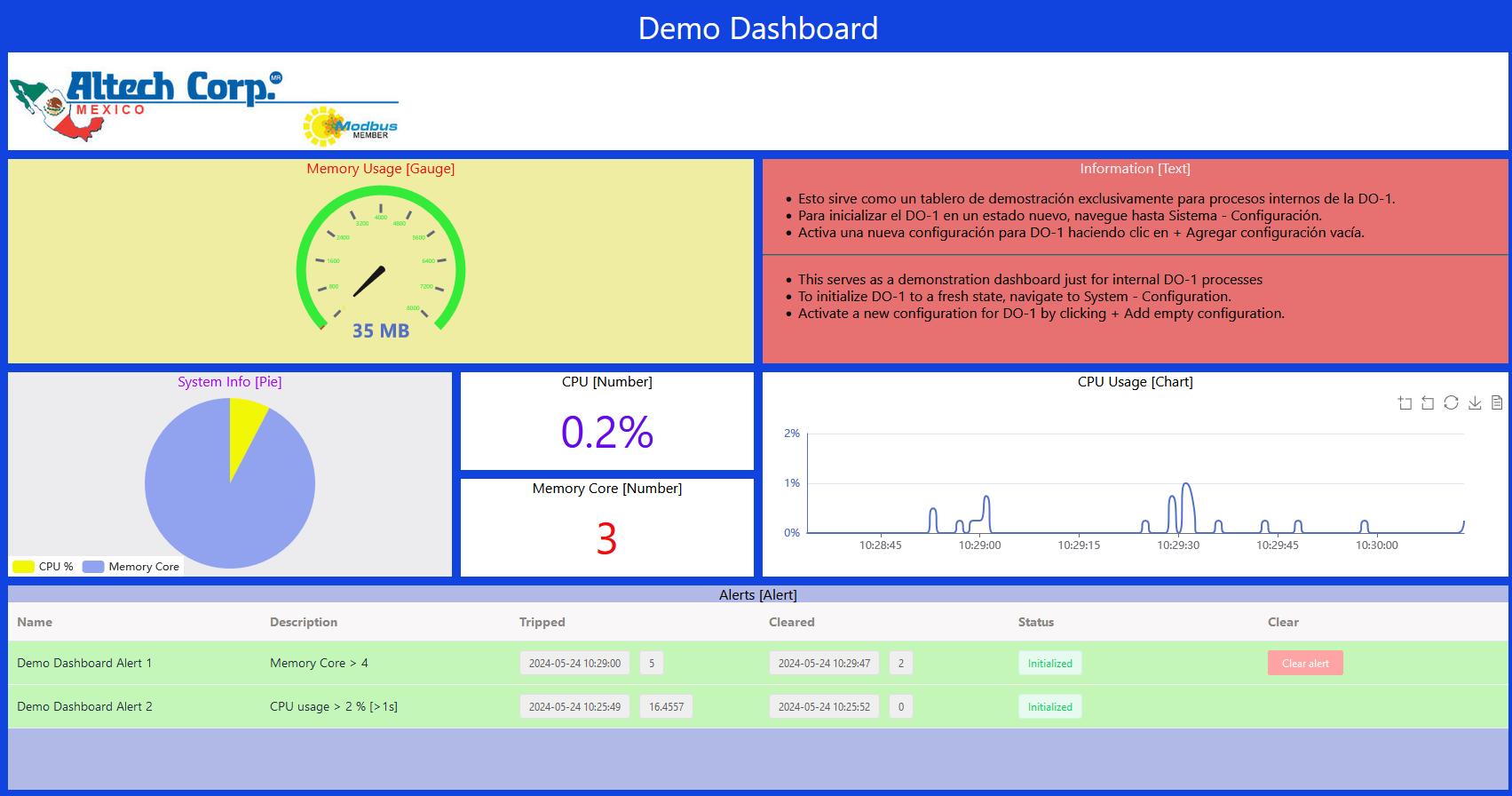
After logging in, you will see the following view, which shows a demonstration of a possible dashboard: